OnlyPaw
Help for pet owners

How to book on OnlyPaw

Short, narrated videos recorded in the real OnlyPaw app (with sample data): create your account, add your pet, and book each service step by step — find and compare providers, pick a time, see the price, pay securely, and what happens next.

Pay in the appYour payment is held and only released to the provider after the service is completed.
OnlyPaw service fee10% of the service price, at least USD 2 and at most USD 20 (or the local equivalent), shown before you pay.
SOS on live servicesHold the SOS button on the live tracking screen to alert your provider and the OnlyPaw team.

1. Get started

Create your account, sign in, and add your pet's profile.

2:13

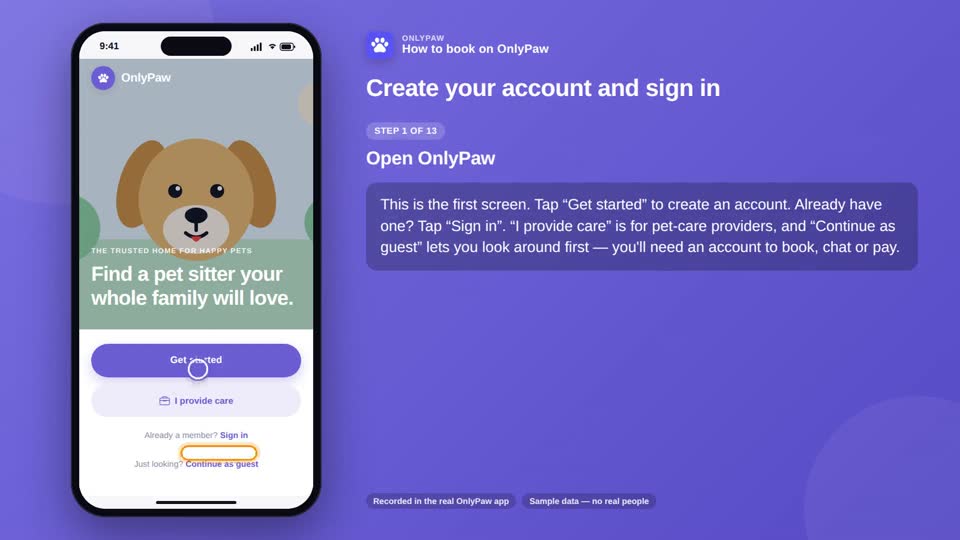
Create your account and sign in

Sign up in a minute, find your way around, sign out and back in — and reset a forgotten password.

13 steps
  1. Open OnlyPaw
  2. Get started
  3. Your name and email
  4. Date of birth
  5. Choose a password
  6. Your pet — optional
  7. Create your account
  8. You're in
  9. Sign out
  10. Sign in again
  11. Forgot your password?
  12. The reset link
  13. Back in
1:40

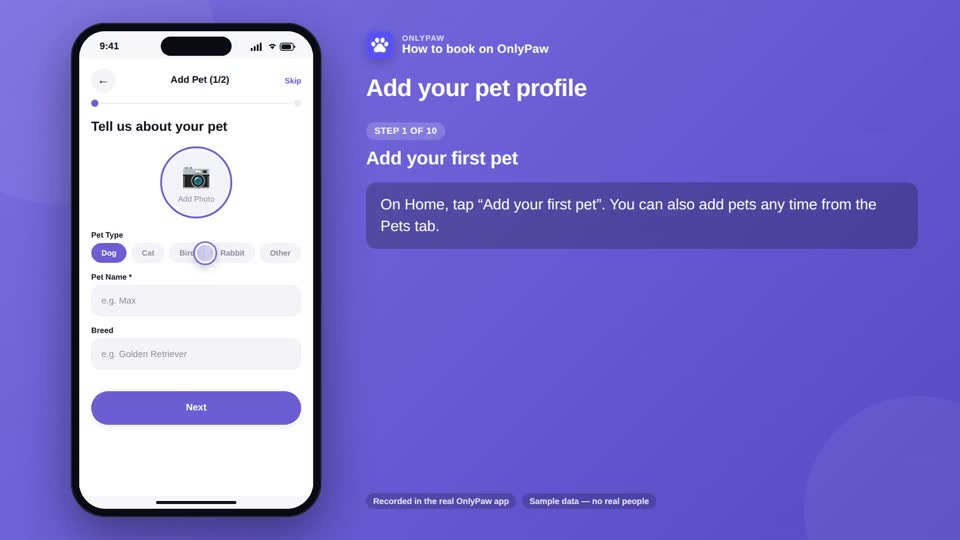
Add your pet profile

Photo, breed, age, special needs and walk routine — the profile every provider sees when you book.

10 steps
  1. Add your first pet
  2. A photo
  3. Type, name and breed
  4. Age, weight and gender
  5. Special needs
  6. Walk routine
  7. Save
  8. Your Pets tab
  9. Edit or add more
  10. Used in every booking

2. Book a service

Find and compare providers, request a booking, pay securely — and what happens next, for each service.

4:22

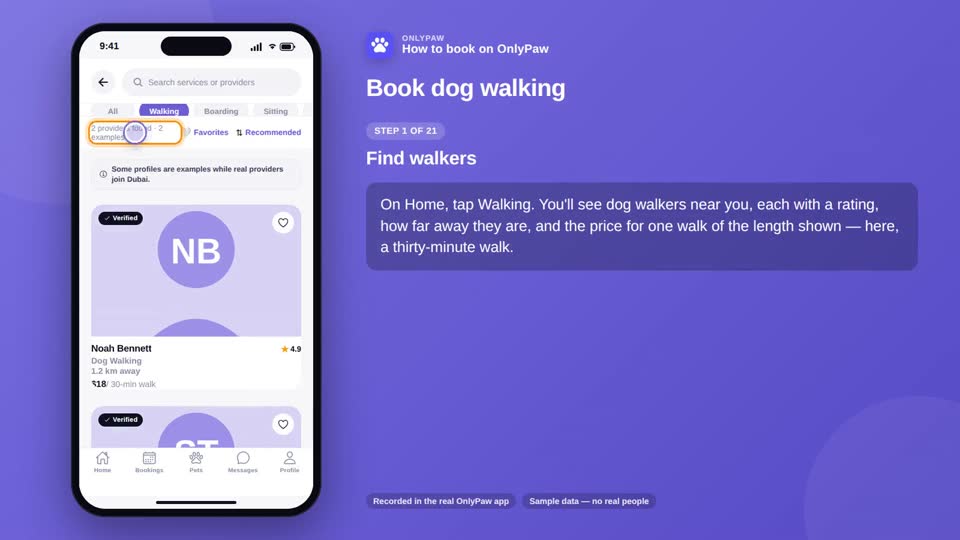
Book dog walking

Find and compare walkers, pick the walk length and time, pay securely — then follow the walk live and see the route.

21 steps
  1. Find walkers
  2. Compare
  3. Example profiles
  4. Get notified
  5. Open a profile
  6. Services and reviews
  7. Questions first?
  8. Request a booking
  9. Walk length
  10. Date and time
  11. Check the price
  12. Send the request
  13. Waiting for the walker
  14. Accepted — pay now
  15. Checkout
  16. Pay
  17. Confirmed
  18. Follow the walk live
  19. SOS
  20. Walk completed
  21. The route
2:12

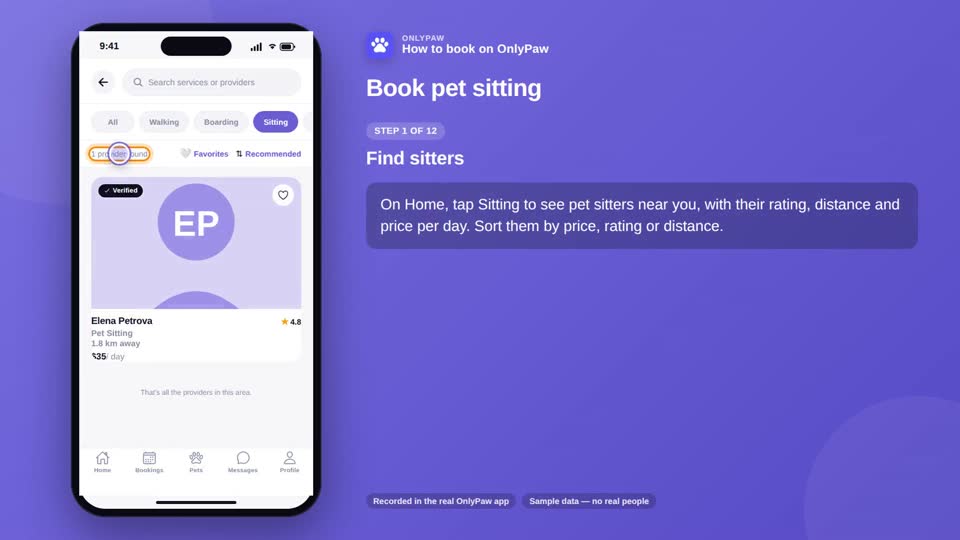
Book pet sitting

Book home visits for the days you're away, pay securely, and get daily updates with photos.

12 steps
  1. Find sitters
  2. Open a profile
  3. Request a booking
  4. How many days
  5. Check the price
  6. Send the request
  7. Accepted
  8. Pay securely
  9. Keys and routines
  10. Daily updates
  11. Open an update
  12. Completed
1:52

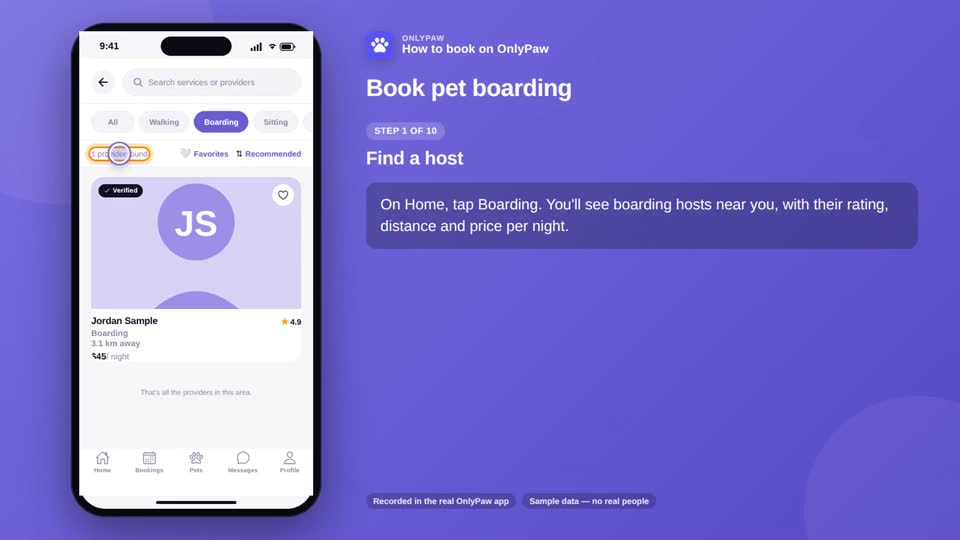
Book pet boarding

Book overnight stays at a provider's home: nights, check-in and check-out, payment, and stay updates.

10 steps
  1. Find a host
  2. Check the profile
  3. Your pet and nights
  4. Check-in and check-out
  5. Check the price
  6. Send the request
  7. Accepted — pay
  8. Before check-in
  9. During the stay
  10. Check-out
2:00

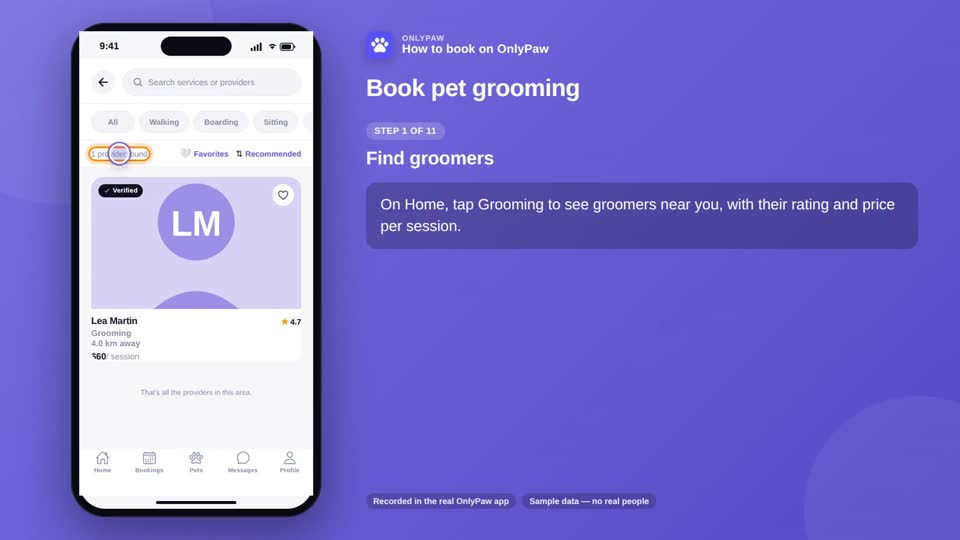
Book pet grooming

At the salon or at your home: choose the groom, the time, check the price, pay — and what happens on the day.

11 steps
  1. Find groomers
  2. Open a profile
  3. Salon or at home
  4. Pet and service
  5. Date and time
  6. Check the price
  7. Mobile grooming
  8. Send and pay
  9. On the day
  10. All done
  11. Review and tip
1:55

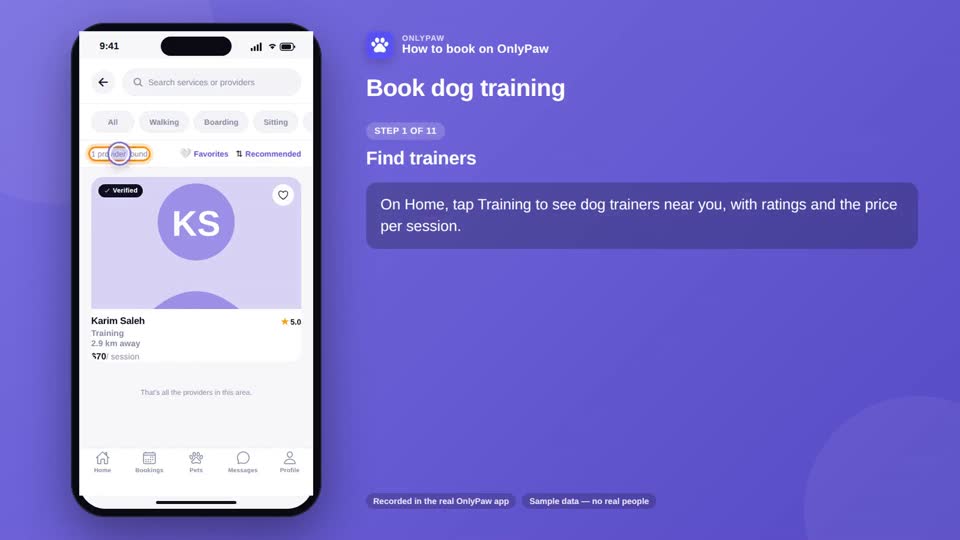
Book dog training

Choose the training type and goals, get the trainer's offer, accept and pay — and what happens at the session.

11 steps
  1. Find trainers
  2. Open a profile
  3. Training type
  4. Date and time
  5. Your goals
  6. Check the price
  7. The trainer's offer
  8. Accept or decline
  9. Pay
  10. The session
  11. Session report
2:56

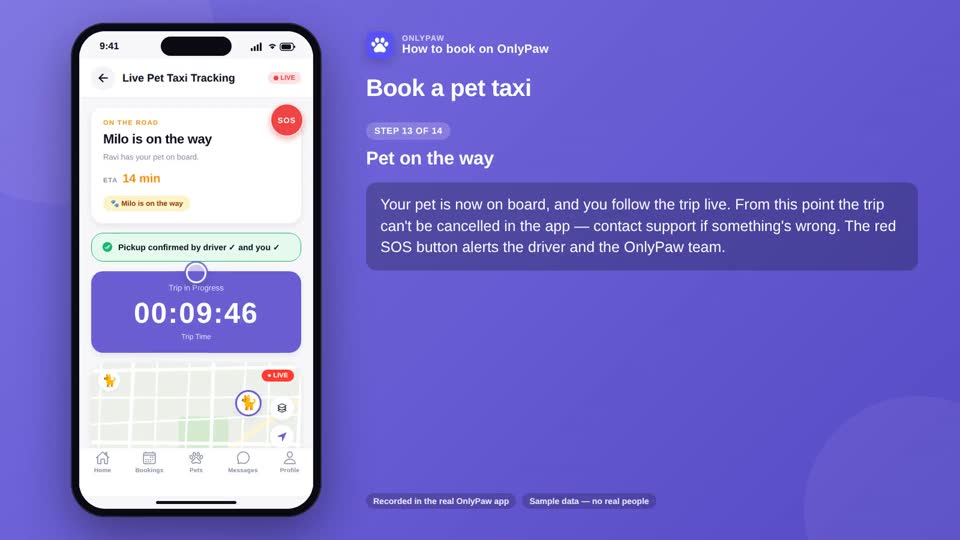
Book a pet taxi

Set pickup and drop-off on the map, tell the driver about your pet, pay — then track every stage of the trip live.

14 steps
  1. Find a pet taxi
  2. Request a trip
  3. Pickup
  4. Drop-off
  5. Date and time
  6. About your pet
  7. Check the price
  8. Accepted — pay
  9. On the way
  10. The fare
  11. Cancel before pickup
  12. At pickup — handover
  13. Pet on the way
  14. Dropped off

3. During & after a booking

Chat, SOS, cancelling and refunds, completion and reviews.

3:22

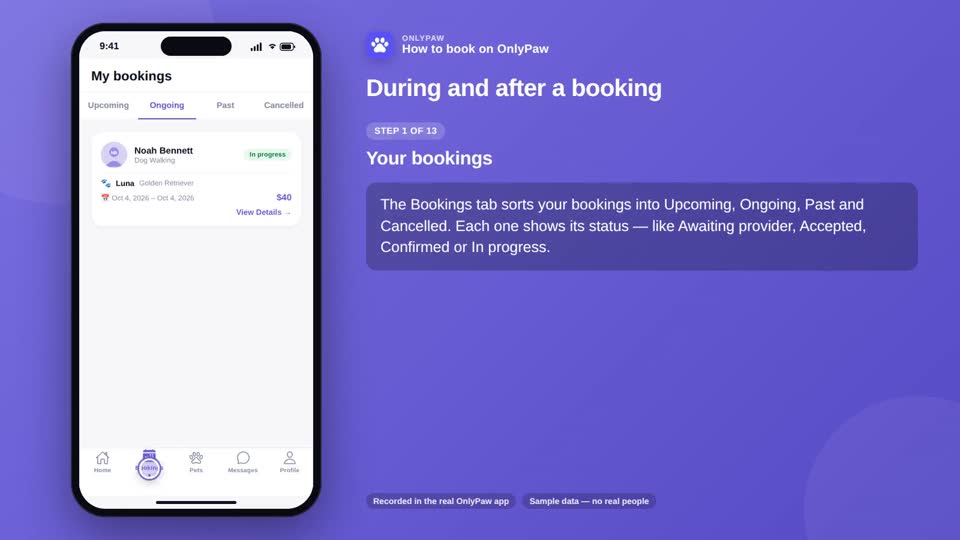
During and after a booking

Chat, SOS, cancelling and refunds, completion, reviews and tips — everything after you've booked.

13 steps
  1. Your bookings
  2. Chat with your provider
  3. Send a message
  4. Calling
  5. SOS
  6. SOS sent
  7. Cancelling
  8. How much you get back
  9. Give a reason
  10. After the service
  11. Leave a review
  12. Add a tip
  13. Report a problem

Recorded in the OnlyPaw app with sample data — no real people. Narration: Piper TTS, LibriTTS voice (CC BY 4.0).